If the iPad Pro 11 2018 touch is not responding but the image is still showing, the fault is usually in the touch layer of the screen, the connection between the screen and the board, or damage after a drop or moisture. You can safely try a forced restart and remove any accessories, but if the touch stays stuck, reacts randomly, or the tablet has taken a hit, it usually needs a diagnosis and a screen repair.
iPad Pro 11 2018 screen not working properly
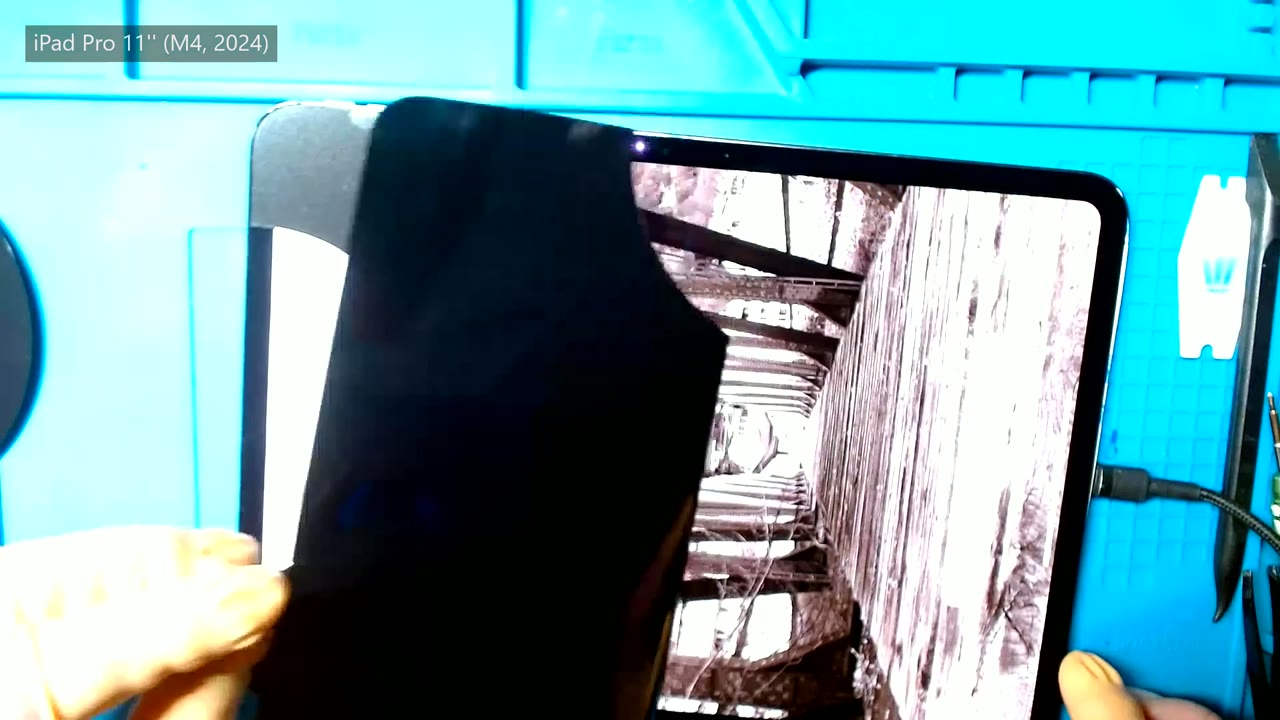
With this fault, the screen can look normal: the backlight is on, the icons are visible, and the iPad reacts to the Power button, but your finger does nothing. Sometimes only one area responds, sometimes you have to press harder, and sometimes the touch opens apps or scrolls by itself. That fits well with a damaged digitizer, cracked glass, a problem after a drop, or signs of moisture.
Why is my iPad Pro 11 touch not responding?
The touch can stop responding because the touch layer is damaged, the glass is cracked, the screen flex cable is loose or damaged, there is liquid damage, or the system has frozen. To start with, we recommend a forced restart and removing the case or screen protector if they are pressing on the screen. If nothing changes, there is no point pressing around blindly.
iPad Pro 11 screen on but touch stuck
When the screen turns on but the touch is stuck, the display can still show the picture while the part that detects touch has failed. After a drop, the glass can even look intact, while the screen or its connector has already taken the impact.
iPad Pro 11 touch reacts by itself
A touch screen that reacts by itself often points to a damaged digitizer, pressure from cracked glass, or moisture under the screen. In that case, it is better not to enter passwords and not to leave the tablet unlocked, because it can open apps or trigger gestures at random.
Damaged iPad Pro 11 2018 digitizer
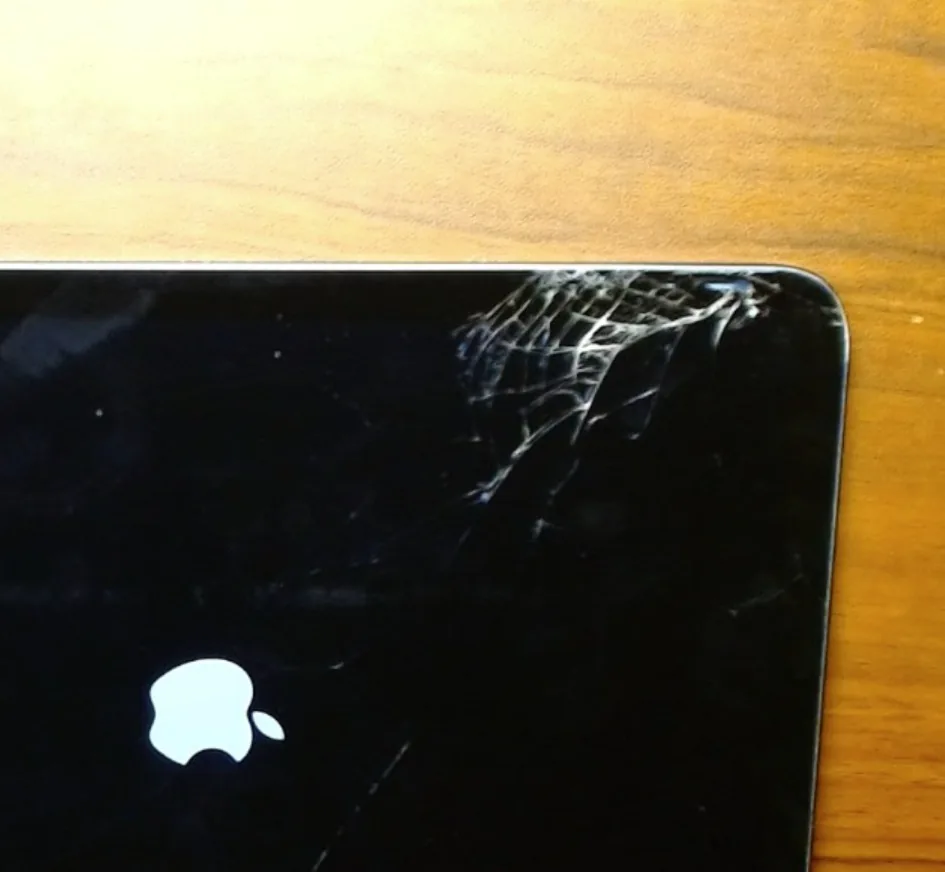
The digitizer is the part of the screen that recognises touch. On the iPad Pro 11, a fault in this layer often gives exactly this symptom: the image is there, but you can no longer use the tablet normally. A crack in the glass, a slightly bent frame after an impact, or pressure in one spot while it is in a bag can be enough for the touch to start doing the wrong thing.
iPad Pro 11 touch not working after a drop
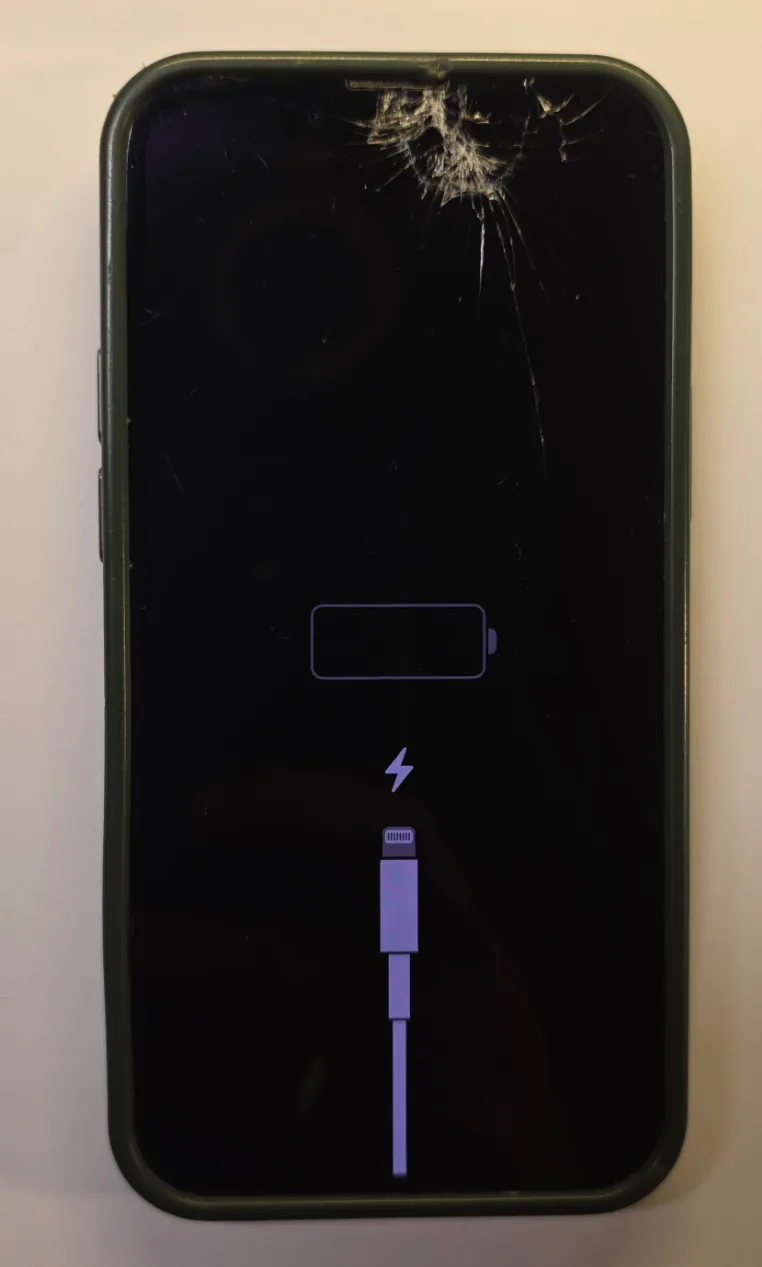
After a drop, the touch may stop working even if the glass has not shattered. We then check the screen, frame and connectors, because pressing on the screen with your finger is not a repair and can make a crack worse.
Do you need to replace the screen if the touch does not respond?
We cannot always confirm it without opening the device, but with a damaged digitizer we most often replace the complete screen module. If the problem appeared after moisture, we first look for liquid traces and check the condition of the board, because a new screen does not solve every case.
iPad Pro 11 2018 screen repair
For the repair, we check whether the problem comes from the screen, the connector, impact marks or moisture. If a screen replacement is needed, the current service and price are listed on the iPad Pro 11 2018 screen replacement page. For this model, the screen replacement costs 213 CHF, and if the screen is done together with another repair, the additional repair price is 147 CHF.
Customers anywhere in Switzerland can send the iPad to us by post. We send a box free of charge and pay postage both ways by tracked A+ letter. Transport insurance can also be added up to the amount you choose. If you do not want to go to the post office, the postman can collect the parcel at your door for 10 CHF. A postal repair usually takes two to three days until the device is back with the customer.
Liquid damage on an iPad Pro 11 2018
Moisture can cause the same symptoms as a faulty screen: no touch response, random taps, flickering, or temporary function after drying. After contact with water, coffee or steam, do not charge the tablet and do not heat it with a hairdryer. The safest step is to switch it off, if that is still possible, and then have it checked.
Liquid damage cleaning for the iPad Pro 11 2018 costs 89 CHF. After this cleaning, we can see whether only the screen is affected or whether other parts have also been damaged.
iPad Pro 11 2018 touch repair price
If the iPad Pro 11 2018 touch is not responding because the screen is faulty, the right repair is a screen replacement: 213 CHF. If we repair another part in the same order, the screen price as an additional repair is 147 CHF. If we suspect moisture, liquid damage cleaning has to be added: 89 CHF.
How much does an iPad Pro 11 2018 screen replacement cost?
An iPad Pro 11 2018 screen replacement costs 213 CHF, and the current price is always shown on the repair page. If you find the same repair cheaper elsewhere, you can send it to us and we will prepare a counter-offer.
If the screen turns on but the touch does not work, or if it reacts by itself, send the device in for a check from the iPad Pro 11 2018 repair page.